


🚘OBD2 Advanced Diagnostic Tool Professional Engine Code Reader🛡️
🚘OBD2 Advanced Diagnostic Tool Professional Engine Code Reader🛡️
🎁The first 100 orders per day will receive double the product
🔥92.8% of Customers Buy 2 or More🔥
捆绑购买更优惠
无法加载取货服务可用情况
[开始日期]
已订购
[开始日期] - [结束日期]
订单已准备就绪
[开始日期] - [结束日期]
发表
FAQ
FAQ
FAQ – Frequently Asked Questions
1.When will my order ship?
Most orders are processed within 1–3 business days.
2.How long is delivery?
Standard U.S. delivery usually takes 5–12 business days. International orders may take longer.
3.How do I track my order?
Once your order ships, you will receive an email with a tracking number.
4.Can I change or cancel my order?
Orders can only be changed or canceled before they are shipped. Contact us as soon as possible if you need assistance.
5.What payment methods do you accept?
We accept major credit/debit cards, PayPal, Shop Pay, Apple Pay, and other secure checkout options (depending on availability).
6.What if the item arrived damaged?
Please email us with a photo of the damaged item within 48 hours, and we will arrange a replacement or refund.
7.What if the package is lost?
If your package is marked “delivered” but you didn’t receive it, contact us and we will help investigate with the carrier.
8.Do you ship internationally?
Yes, we ship to most countries. Shipping times vary based on destination.

🚘OBD2 Advanced Diagnostic Tool Professional Engine Code Reader🛡️
Stop Guessing Why Your Check Engine Light Is On
Read fault codes, check emissions readiness and view live vehicle data before deciding your next step.
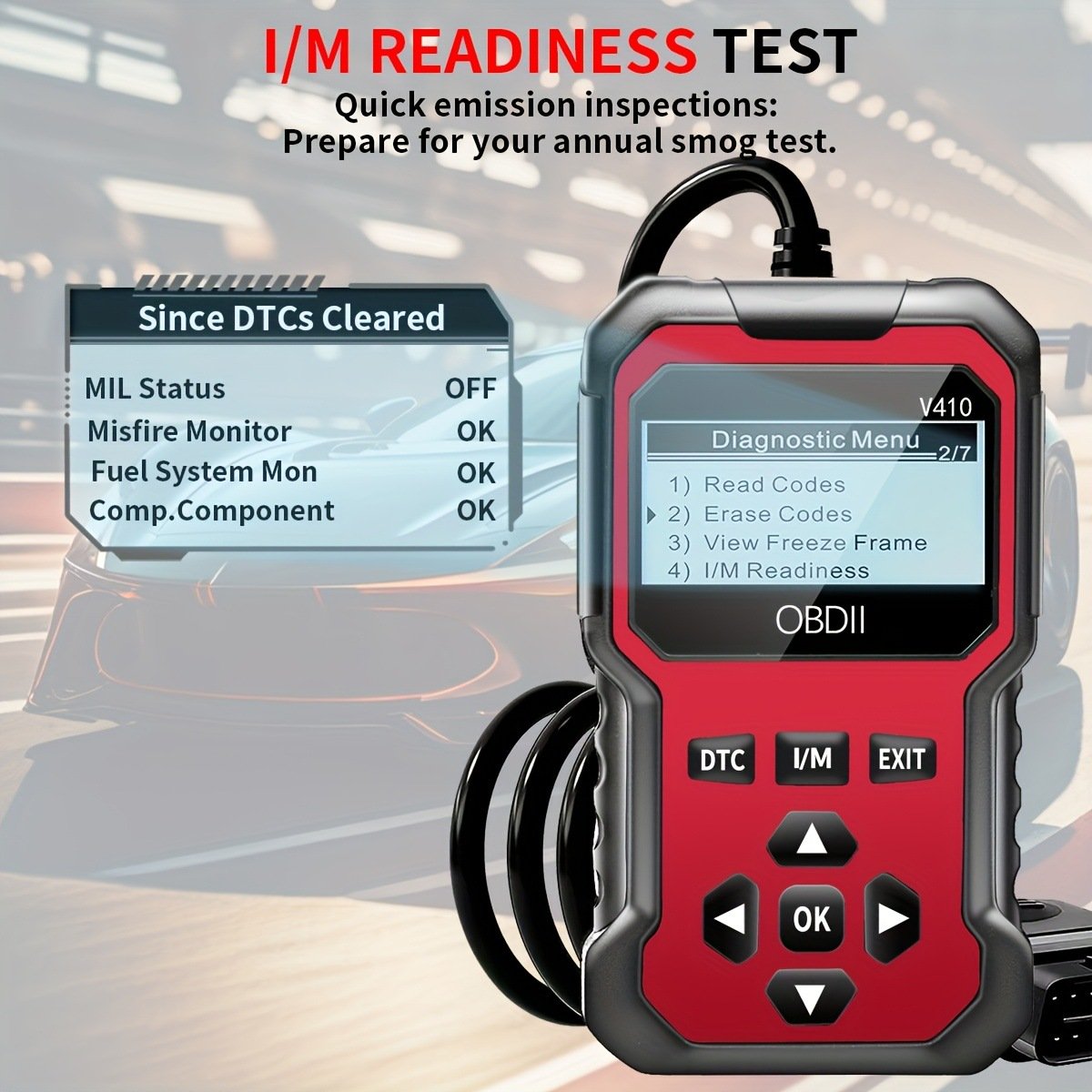
Turn a Warning Light Into Useful Information
A dashboard warning should not leave you completely in the dark. The V410 gives drivers and mechanics direct access to essential engine diagnostic information through a straightforward handheld interface.
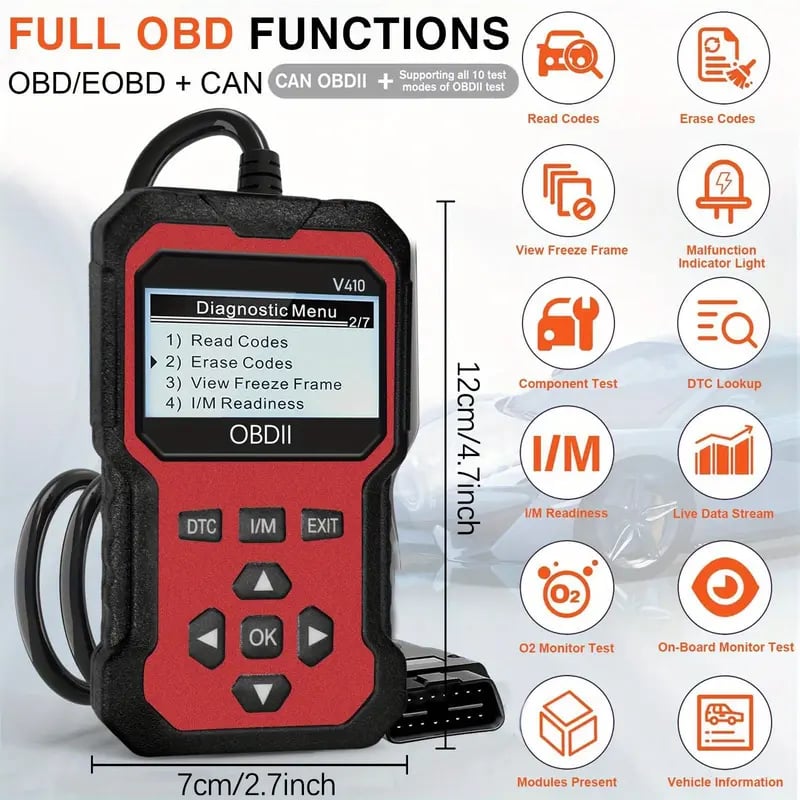
Check the Codes. See the Data. Plan the Next Step.
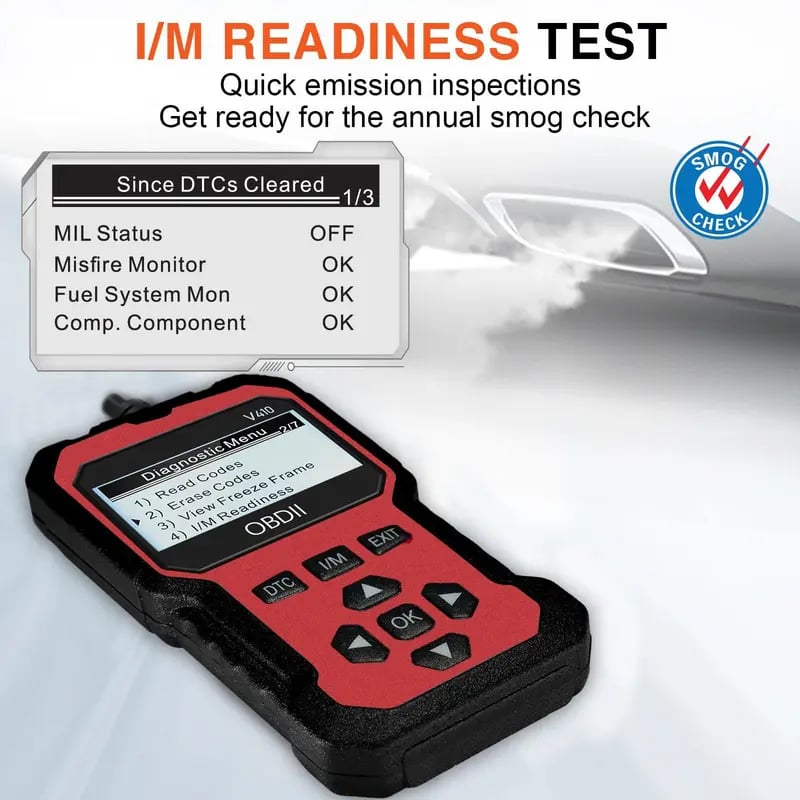
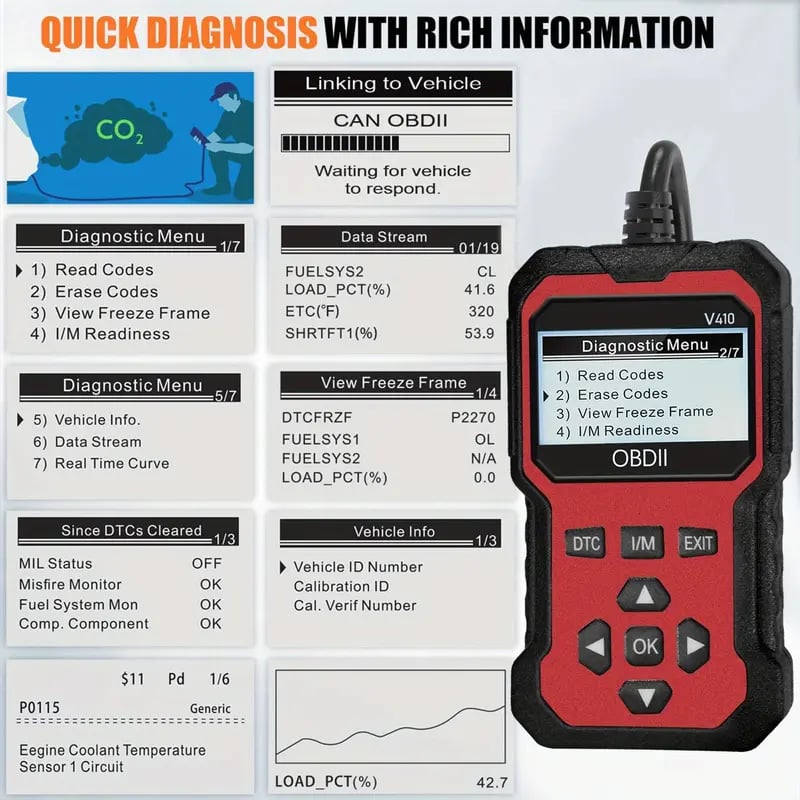
Use the diagnostic menu to read or erase codes, view freeze-frame information, monitor live data and check I/M readiness.
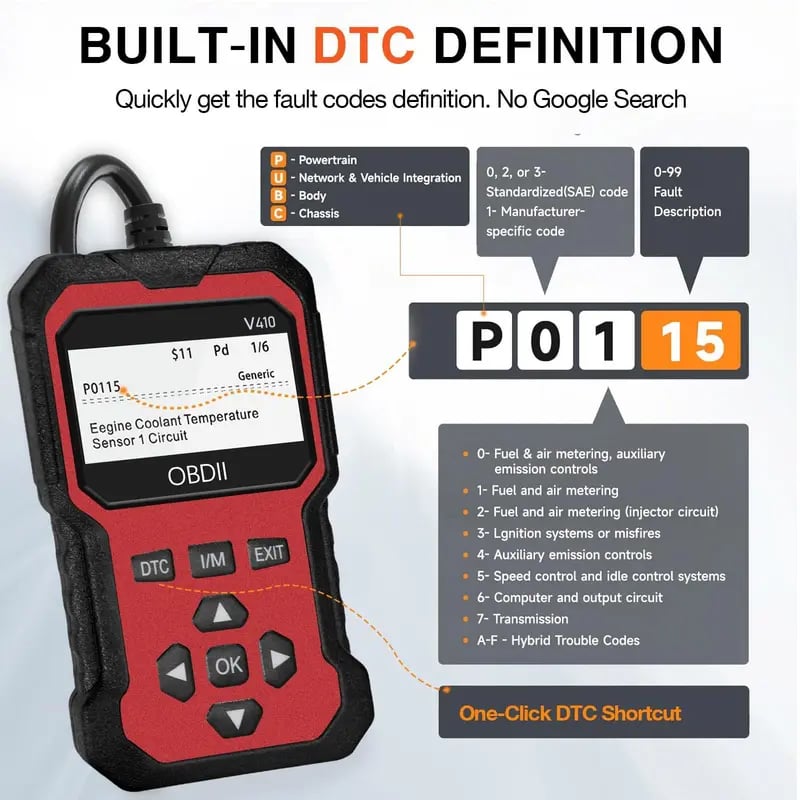
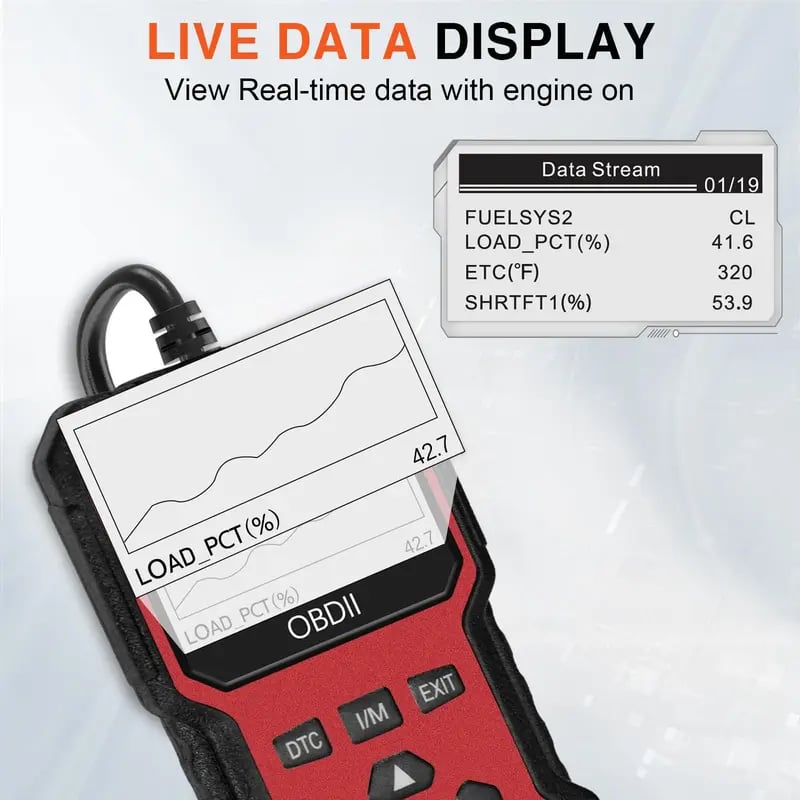
The Functions You Need Without the Complicated Setup
Dedicated DTC and I/M buttons provide faster access to common diagnostic tasks, while clearly labeled navigation controls keep the menu easy to follow.
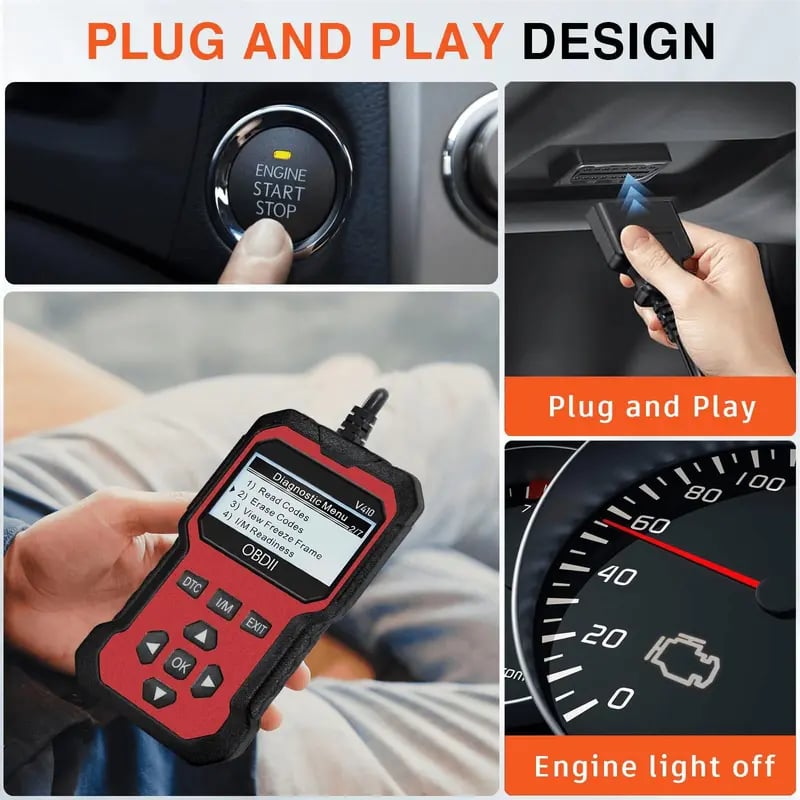
From Dashboard Warning to Clearer Answers
Follow the supplied instructions and use the menu to access the diagnostic information you need.
- Connect the V410 Connect the scanner to your vehicle's OBDII diagnostic port.
- Select a Diagnostic Function Choose Read Codes, I/M Readiness, Freeze Frame or Live Data.
- Review the Information Use the displayed results to better understand the warning.
- Clear Codes When Appropriate Erase stored codes after the underlying issue has been addressed.
Built for Everyday Vehicle Diagnostics
| Model | V410 |
|---|---|
| Product Type | Universal OBDII engine fault code reader |
| Vehicle Support | Vehicles since 1996 |
| Diagnostic Coverage | FULL OBDII modes |
| Main Functions | Read Codes, Erase Codes, View Freeze Frame, I/M Readiness and Live Data |
| Quick Controls | DTC, I/M, EXIT, OK and navigation buttons |
Before You Start Scanning
What can the V410 diagnose?
Which vehicles does it support?
Can it clear the Check Engine Light?
Can it help before a SMOG inspection?
Is the interface beginner-friendly?
Quality Checked and Shipped With Tracking
Products are sourced directly from manufacturers and supported by quality-control checks. Worldwide orders include insured shipping and tracking information.
Know More Before Your Next Repair Decision
Keep the V410 ready for warning lights, routine checks and emissions readiness—without relying on guesswork.
GET YOUR V410 SCANNER2026 Enhanced Model · FULL OBDII Modes · Vehicles Since 1996


